Flutter Animations for Beginners: What You Can Build Without Plugins
Animations are often where apps start to feel alive instead of just functional. If you're just getting started with Flutter, it's easy to assume you will need complex external animation libraries to make things look good. In reality, Flutter provides a powerful set of built-in animation tools natively—no plugins required.
Why Avoid Plugins Initially?
Relying heavily on third-party packages increases dependency risks, introduces breaking changes during framework updates, and complicates debugging pipelines. Flutter's native framework animation widgets are lightweight, highly performant, and fully customizable out of the box.
Core Native Animations You Can Build
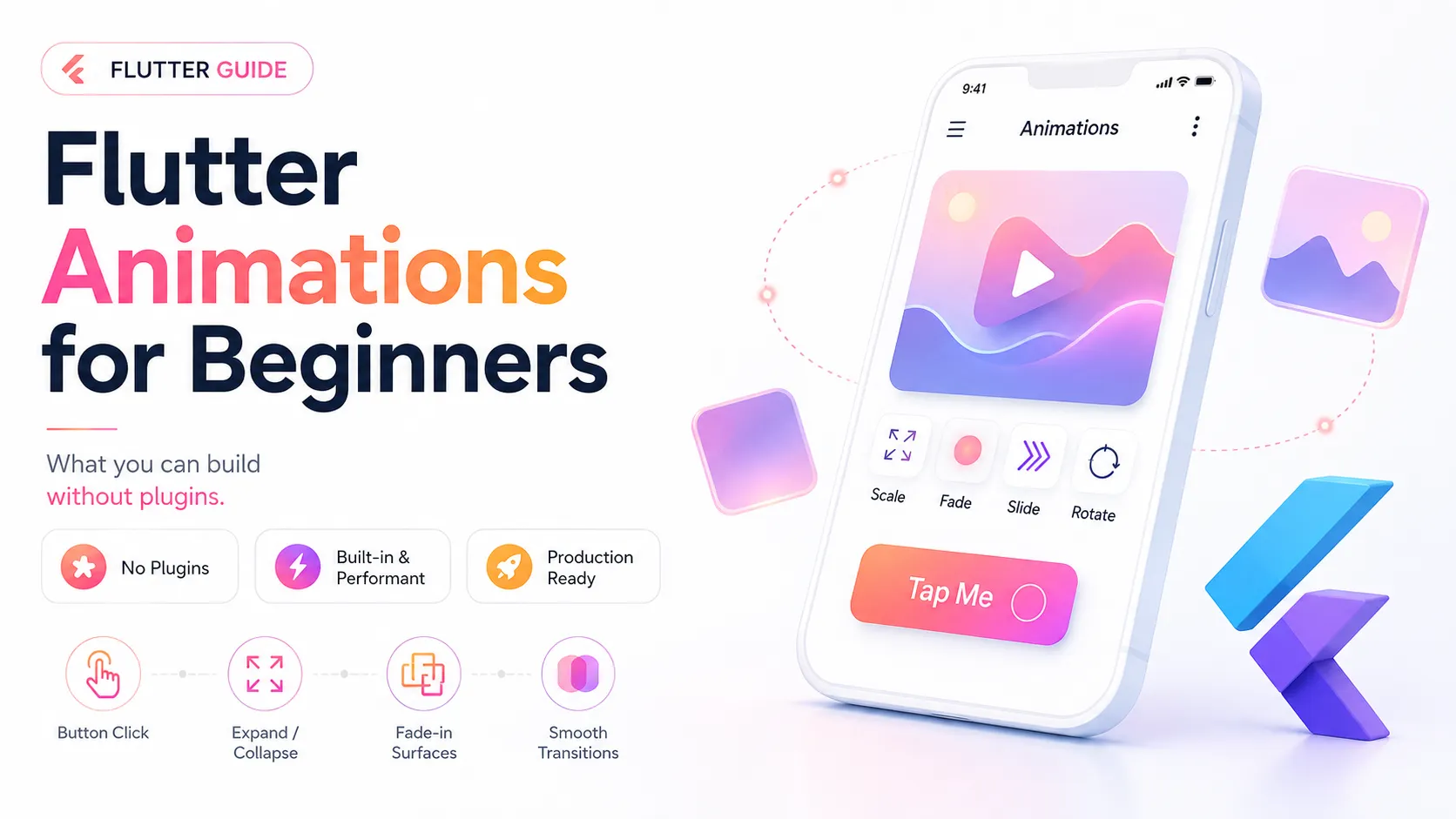
- Button Scale Feedback — Create micro-interactions by scaling elements slightly downward on press states using implicit scale tracking.
- Expandable Material Cards — Modify layout boundaries smoothly using container dimension tweens to present supplementary info sections like FAQs.
- Shared Element Viewport Transitions — Link images across separate route trees seamlessly using matched identifier tags to preserve user visual context.
- Faded Route Entrances — Ease screen presentation opacity values mathematically during layout initialization sequences to remove hard page switches.
- Dynamic List Mutations — Insert or remove array card list nodes gracefully utilizing structural layout sizing transitions during modification cycles.
- Custom Route Builders — Override standard OS page transitions completely to configure individualized global application navigation movements.
- Custom State Slide Toggles — Build specialized setting switches using alignment adjustments to offer tactile user interface confirmations.
- Explicit Value Tweens — Take granular control over complex interpolation tracks using controllers paired with custom property mapping configurations.
Common Conceptual Mistakes to Avoid
Beginners often clutter viewports by overusing continuous motion tracks across too many adjacent nodes simultaneously. Additionally, extending transition intervals past half a second can introduce perceived performance latency, degrading the core user experience.
Final Thoughts
Mastering built-in implicit and explicit animation toolsets gives you complete engine rendering control, cleaner code execution profiles, and minimal dependency overhead. Most consumer apps can achieve top-tier aesthetic fluidity purely through native framework mechanics.