Modern apps are expected to feel dynamic, but static gradients and background images can only go so far. With FlutterFlow Shaders, you can add real-time GPU-rendered visual effects to your app — without writing rendering code.
What Are Shaders?
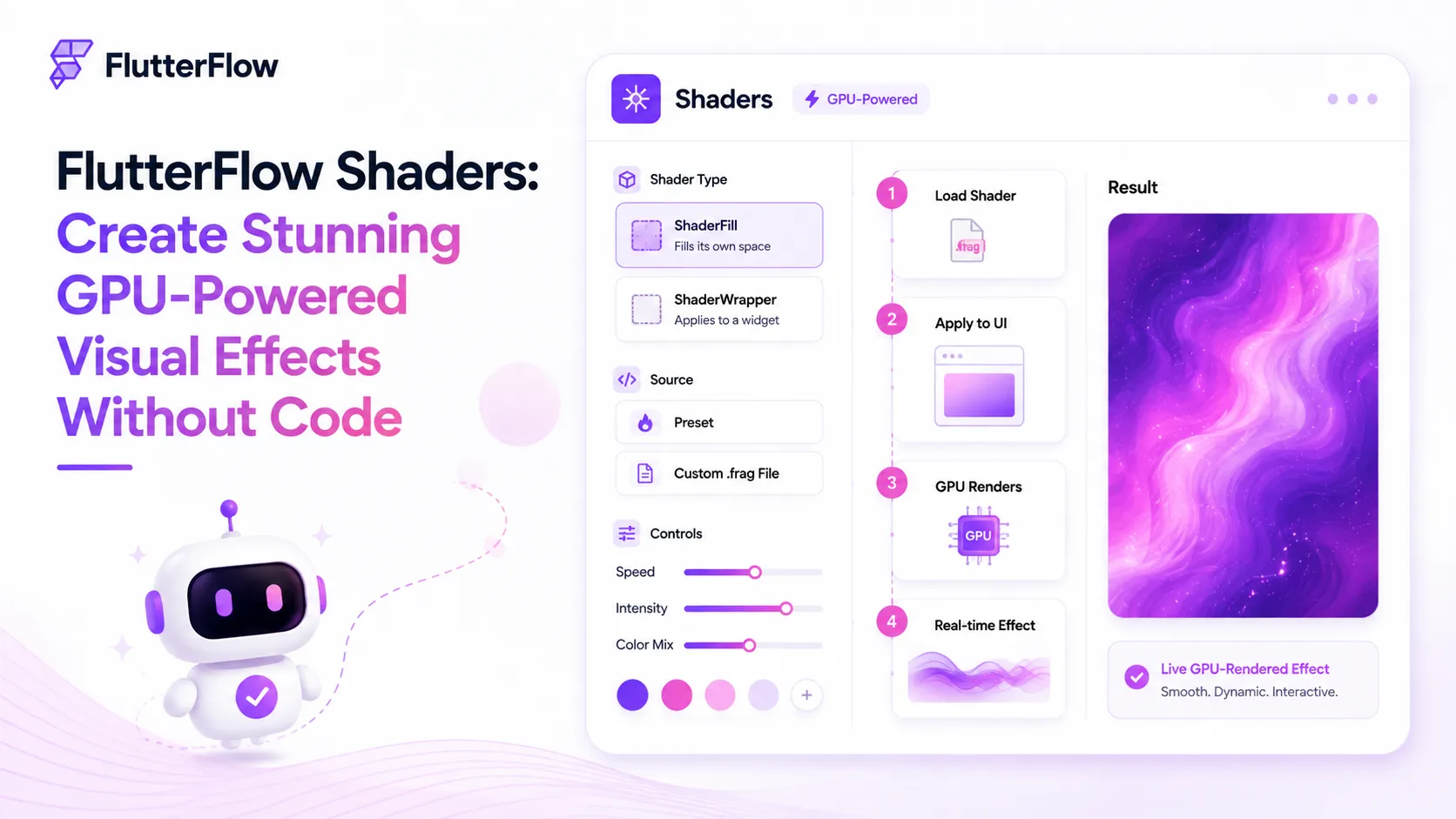
Shaders generate graphics in real time using the device’s GPU. Instead of displaying a fixed image, they create animated effects like flowing gradients, ripples, distortions, dissolve animations, and more.
The result is an interface that feels alive and interactive.
ShaderFill vs. ShaderWrapper
FlutterFlow provides two ways to use shaders:
- ShaderFill — Creates a standalone shader that fills its own space. Ideal for animated backgrounds, splash screens, or hero sections.
- ShaderWrapper — Wraps an existing widget and applies shader effects to it. Perfect for transitions like dissolve, ripple, smoke, or burn effects.
Built-In Presets or Custom Shaders
FlutterFlow includes several ready-to-use shader presets, such as:
- Animated gradients
- Perlin and Voronoi noise
- Ripple effects
- Burn and smoke transitions
- Pixel dissolve
- Interactive marble effects
You can customize colors, speed, intensity, and other properties directly from the UI.
For complete control, you can also upload your own .frag (fragment shader) file.
FlutterFlow automatically exposes your shader inputs as editable properties, making custom shaders surprisingly easy to configure.
Interactive Effects
Some shader presets respond to user interaction.
Users can tap or drag to create ripples, burn marks, or marble-like distortions, making your UI feel far more responsive and engaging.
Animation Control
Shaders support three animation modes:
- Continuous — Runs automatically for ambient backgrounds.
- Implicit — Controlled by a time value, ideal for scroll-based animations.
- Explicit — Full timeline control with duration, easing, looping, and actions.
This gives you flexibility to use shaders for everything from subtle background animations to highly controlled UI transitions.
Things to Keep in Mind
When using custom shaders, uniform values are matched by their declaration order, not by name.
FlutterFlow also provides uSize and uTime automatically, so your shader should expect these uniforms first.
Understanding this is important when creating custom .frag shaders, as the order of your uniform declarations can affect how values are passed to the shader.
Final Thoughts
FlutterFlow Shaders make it easy to add premium visual effects without building a custom rendering pipeline.
Whether you’re creating animated onboarding screens, engaging loading states, or polished micro-interactions, shaders can significantly elevate your app’s user experience.
If you’re still relying on static gradient images, it’s definitely worth exploring this feature.