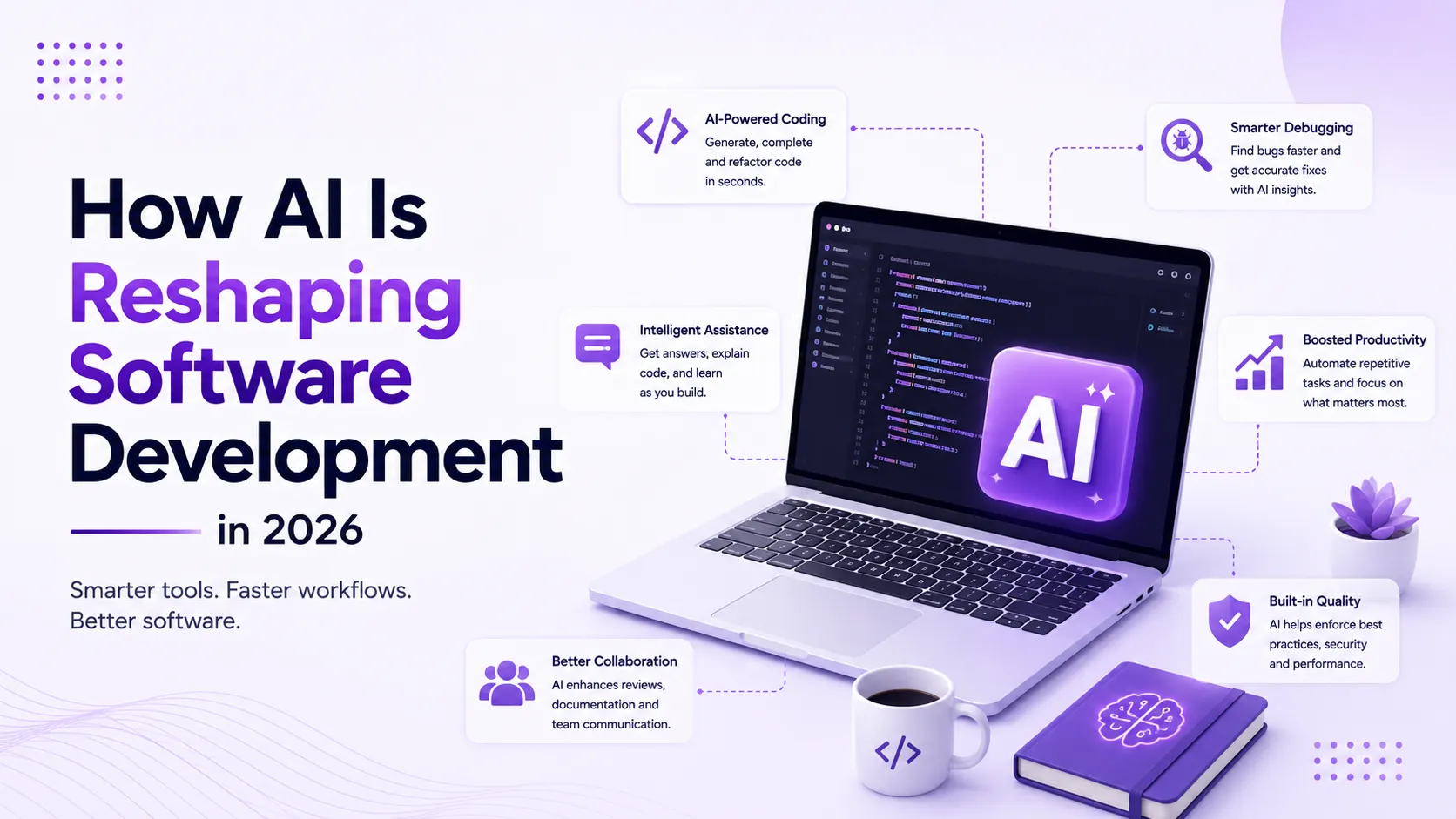
Artificial Intelligence has completely transformed the way I build software. A few years ago, most of my day was spent searching Stack Overflow, reading documentation, writing repetitive boilerplate code, and debugging common issues.
Today, AI has become an essential part of my software engineering workflow—not because it replaces my thinking, but because it accelerates it.
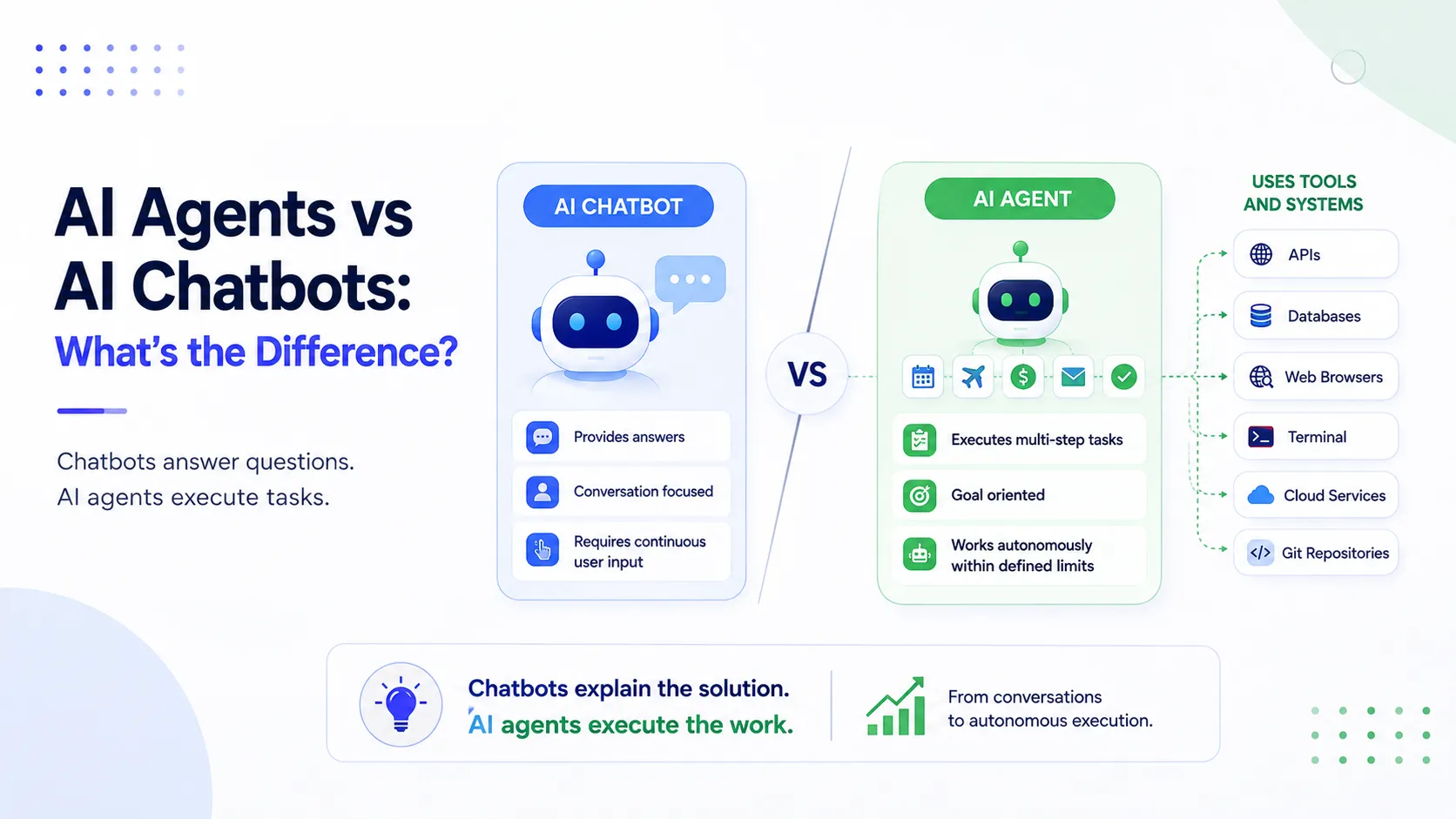
The biggest misconception about AI is that it builds software for developers. In reality, the best engineers use AI to eliminate repetitive work so they can spend more time solving meaningful technical problems.
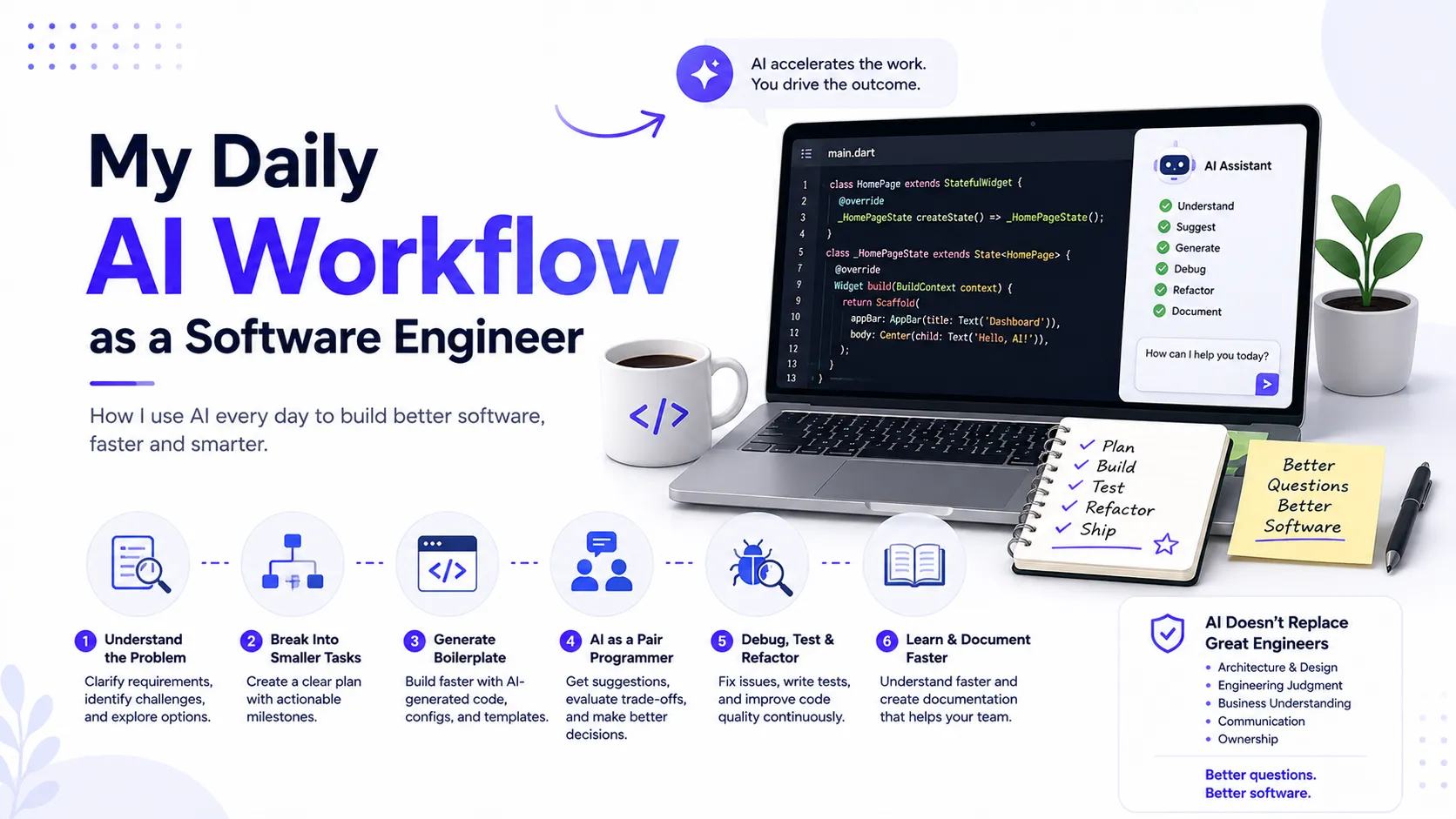
Here's what my daily AI workflow as a software engineer looks like in 2026.
1. Start by Understanding the Problem
Before writing a single line of code, I use AI to better understand the requirements and identify potential challenges.
Typical prompts include:
- Explain this feature in simple technical terms.
- What edge cases should I consider?
- Suggest multiple implementation approaches.
- What questions should I ask before starting development?
AI helps me think through the problem before jumping into implementation.
2. Break Large Features into Smaller Tasks
Instead of tackling an entire feature at once, I ask AI to break it into manageable milestones.
A typical breakdown includes:
- Database schema
- API endpoints
- Authentication and authorization
- Frontend UI
- Validation
- Error handling
- Testing
- Deployment considerations
This makes development more organized and easier to estimate.
3. Generate Boilerplate Code Faster
One of AI's biggest strengths is eliminating repetitive coding tasks.
I regularly use AI to generate:
- Flutter widgets
- React components
- REST API services
- Data models
- SQL queries
- Configuration files
- Project scaffolding
- Test templates
I never copy generated code blindly. Every suggestion is reviewed, tested, and modified before becoming part of the codebase.
4. Use AI as a Pair Programmer
Rather than asking AI to build complete features, I use it as an experienced engineering partner.
Typical questions include:
- Is there a cleaner solution?
- What are the trade-offs?
- Will this scale?
- Can this be optimized?
- Is there a better design pattern?
This approach improves engineering decisions instead of encouraging blind code generation.
5. Debug, Test, and Refactor
When bugs appear, I first investigate the issue myself by reviewing logs, stack traces, and reproducing the problem.
Once I understand the context, I ask AI for assistance by providing:
- Error messages
- Relevant code
- Expected behavior
- Environment details
- Steps to reproduce
AI also helps generate:
- Unit tests
- Integration tests
- Edge-case scenarios
- Validation tests
- Error-handling tests
During refactoring, AI suggests cleaner implementations, improved naming, reduced duplication, better architecture, and performance optimizations.
6. Learn and Document Faster
Whenever I explore a new framework, SDK, or library, AI acts as a technical mentor by explaining concepts, common pitfalls, best practices, and practical examples before I dive into the official documentation.
I also use AI to draft:
- Pull Request descriptions
- API documentation
- Technical documentation
- Release notes
- Code comments
This significantly improves collaboration across engineering teams.
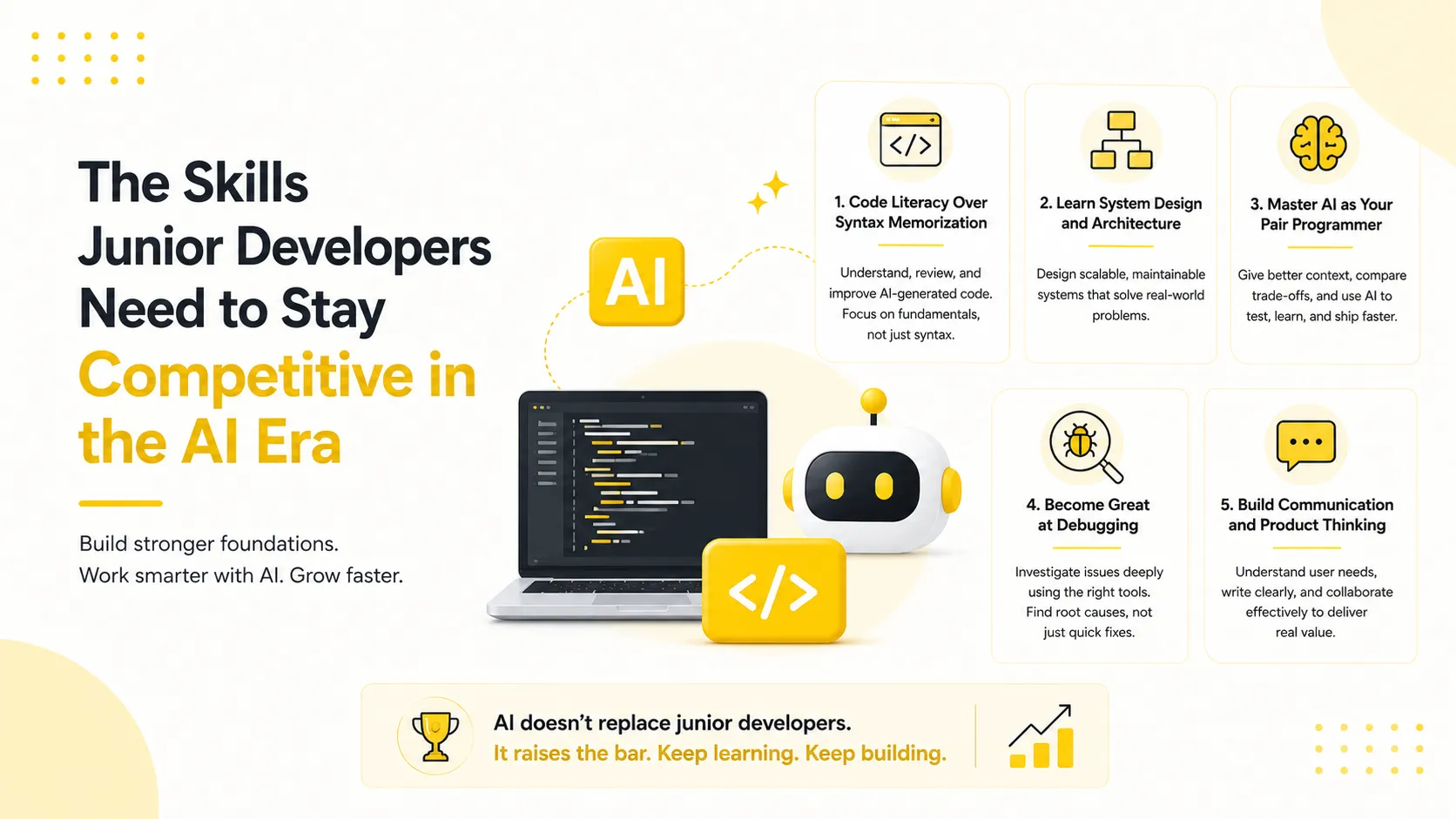
What AI Doesn't Replace
Despite integrating AI into almost every stage of development, several responsibilities remain entirely human.
- System architecture
- Engineering judgment
- Business understanding
- Product thinking
- Team communication
- Code ownership
- Technical decision-making
AI accelerates execution, but developers remain responsible for building reliable, maintainable software.
The Biggest Lesson
The developers who benefit most from AI aren't those asking it to build entire applications—they're the ones asking better questions.
The quality of AI-generated output depends heavily on the quality of the context, constraints, and guidance you provide.
Conclusion
AI has become an indispensable part of my daily software engineering workflow. It helps me understand requirements, generate boilerplate, debug faster, improve testing, learn new technologies, and create better documentation.
However, successful software development still depends on critical thinking, system design, architecture, communication, and engineering judgment. The future isn't developers versus AI—it's developers who know how to collaborate with AI to build better software, faster and more efficiently.